If you work with websites, web development, SEO, digital marketing, or even simple online forms, you may come across the term URL encoding. At first, URL encoding can look like a technical concept, but in my experience, it is actually quite easy to understand once you know why it is used.
A URL is used to tell a browser where a particular webpage or online resource is located. However, not every character can be safely used inside a URL. Spaces, special characters, symbols, and characters from different languages may need to be converted into a format that web browsers and servers can understand correctly.
This is where URL encoding becomes useful.
In this article, I will explain how to encode a URL online, why URL encoding is important, how online URL encoder tools work, and what you should check before using an encoded URL.
What Is URL Encoding?
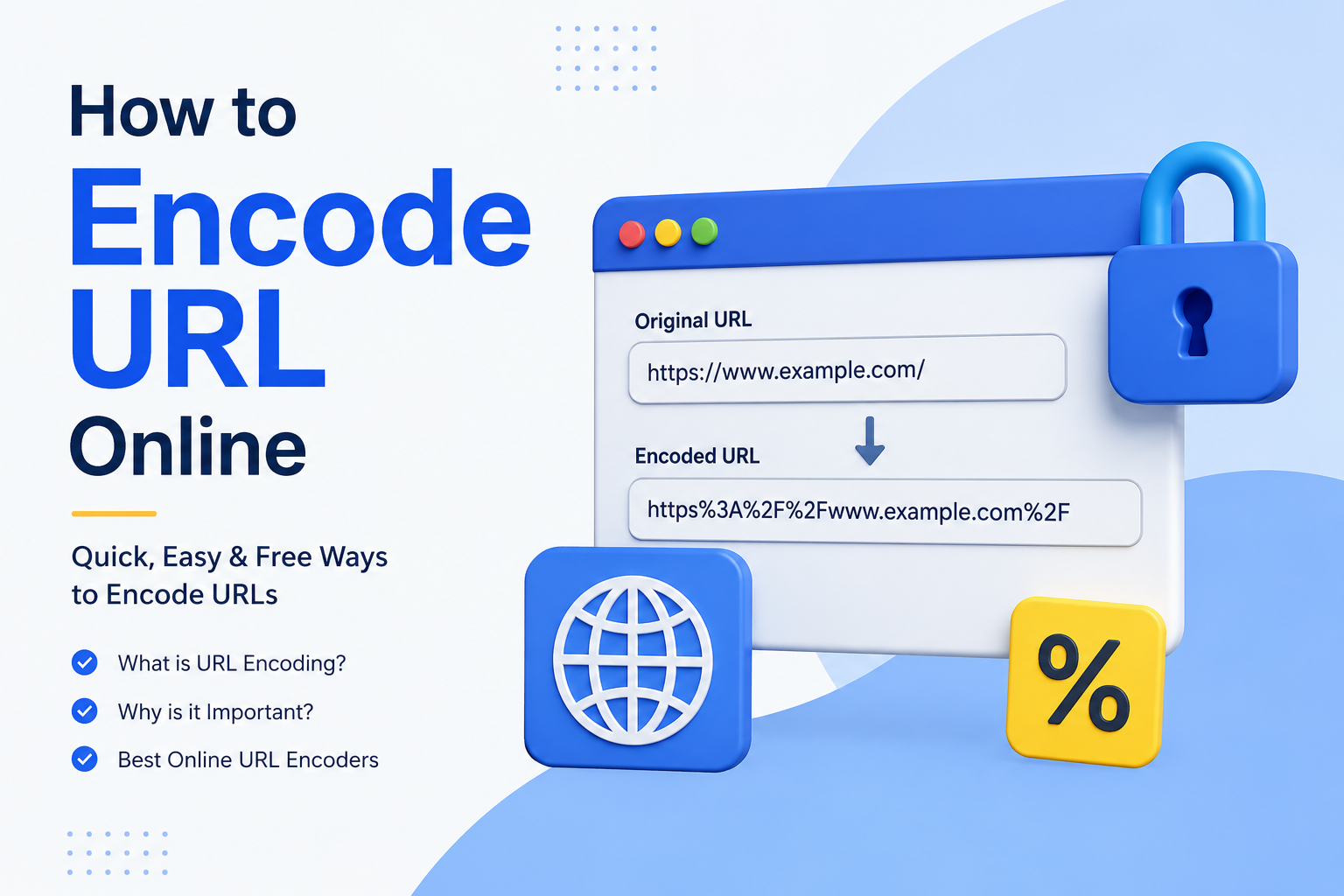
URL encoding is the process of converting certain characters in a URL into a format that can be safely transmitted over the internet.
Some characters have special meanings inside URLs. For example, spaces are not normally written as ordinary spaces in a URL. Instead, they can be represented using a percent encoded value.
For example, suppose you have a URL like this:
The space between “my” and “page” needs to be encoded. An encoded version can look like this:
Here, %20 represents a space.
This process is commonly known as percent encoding because encoded characters are usually represented by a percent sign followed by two hexadecimal characters.
I think the easiest way to understand URL encoding is to think of it as translating certain characters into a web friendly format.
Why Do We Need to Encode URLs?
URLs often contain characters that may cause problems when they are sent through browsers, forms, APIs, or web applications.
For example, a URL may contain spaces, question marks, ampersands, brackets, or other special characters. Some of these characters have specific meanings in URL syntax.
If they are not handled correctly, a website may interpret the URL differently from what you intended.
URL encoding helps reduce these problems by converting characters into a standardized representation.
It is particularly useful when you are working with search queries, query parameters, tracking links, API requests, redirects, and web applications.
For beginners, I recommend learning URL encoding because it is one of those small technical skills that can become surprisingly useful when working online.
How to Encode URL Online
The easiest method for most people is to use an online URL encoder.
You do not normally need to install software or write code. Most online URL encoder tools work directly in your browser.
The general process is very simple.
First, find a reliable online URL encoder.
Next, copy the URL or text that you want to encode.
Paste it into the encoder input box.
Click the Encode button.
The tool will generate the encoded version of your URL.
Finally, copy the result and use it where needed.
For example, if you enter:
https://example.com/search?q=hello world
The space in the query may be converted into %20, producing something similar to:
The exact result can depend on what part of the URL you are encoding and which encoding method the tool uses.
Example of URL Encoding
Let us look at a simple example.
Imagine that you want to use this text inside a URL:
hello world
The space is not represented as a normal space when it needs to be safely encoded for a URL.
It can become:
hello%20world
Another example could be:
my website
After encoding:
my%20website
Special characters can also be encoded.
For example, a character such as & may have a special role in a URL because it can separate query parameters. If you want the character to be treated as actual data instead of a separator, encoding may be necessary.
This is why understanding the difference between URL structure and URL data is important.
What Characters Usually Get Encoded?
Not every character in a URL needs to be encoded.
Characters that may require encoding include spaces and various reserved or unsafe characters depending on where they appear in the URL.
Some common examples include:
Space becomes %20
Percent becomes %25
Ampersand can become %26
Question mark can become %3F
Hash can become %23
When you see these combinations, they may look strange at first. However, they are simply encoded representations of characters.
For me, the most important thing to remember is that % followed by two hexadecimal characters often indicates a percent encoded character.
URL Encoding vs URL Decoding
URL encoding and URL decoding are opposite processes.
URL encoding converts characters into an encoded format.
URL decoding converts the encoded representation back into its original form.
For example:
hello%20world
can be decoded into:
hello world
If you receive an encoded URL and need to understand what it originally contained, you can use an online URL decoder.
This can be particularly useful when troubleshooting links or working with web requests.
How Online URL Encoder Tools Work
Online URL encoder tools are generally very straightforward.
You provide the text or URL as input. The tool analyzes characters that need to be represented differently and converts them into their percent encoded form.
For example, a space may be represented as %20.
The encoded result is then displayed so you can copy it.
Good online tools usually provide a clean interface with an input field, an encode button, and an output field.
Some tools also provide a decoding option, which is useful if you frequently work with both encoded and decoded URLs.
When Should You Encode a URL?
There are several situations where URL encoding can be useful.
One common situation is when a URL contains spaces.
Another is when you are adding user generated text to a URL.
For example, a website might create a search URL based on what someone types into a search box. If the search phrase contains spaces or special characters, the application may need to encode that information before adding it to the URL.
URL encoding is also commonly used with query parameters.
Suppose you have a URL that includes a search phrase such as:
best digital tools for beginners
The spaces need to be handled correctly when this phrase becomes part of a URL.
Encoding helps ensure that the server receives the intended information.
URL Encoding for SEO
URL encoding can also appear in SEO and website management.
Search engines need to understand website URLs, while websites sometimes contain dynamic parameters or special characters.
For a normal website, I would always recommend keeping URLs as simple and readable as possible. You should not encode characters unnecessarily just because an encoder tool is available.
Encoding is mainly useful when a character needs special handling.
A clean URL is generally easier for users to understand and share.
For example, a simple URL such as:
example.com/blog/url-guide
is much easier to understand than a complicated URL containing many unnecessary parameters.
So, URL encoding should be used when needed rather than everywhere.
How to Choose a Good Online URL Encoder
There are many URL encoder tools available online, so I would pay attention to a few basic things before choosing one.
First, the tool should be easy to use.
Second, the output should be clearly displayed so you can copy it without confusion.
Third, the tool should correctly handle common special characters.
Fourth, it should not force you to download unnecessary software.
I also recommend being careful with sensitive information.
If a URL contains private tokens, passwords, personal information, authentication details, or confidential data, I would avoid pasting it into an unknown online tool.
A simple URL encoder does not need access to your private information.
Can I Encode a URL Without an Online Tool?
Yes.
If you are a developer, you can encode URLs using programming languages or built in browser functions.
For example, JavaScript provides functions that can encode URL components.
Python also has libraries that can handle URL parsing and encoding.
However, beginners do not always need programming for this task.
If you only need to encode a URL occasionally, an online encoder is usually much faster.
If you are building a website or application, learning how URL encoding works in your programming language becomes more important.
Common Mistakes When Encoding URLs
One mistake I often see beginners make is encoding an entire URL without understanding its structure.
A URL contains different parts, including the protocol, domain, path, query parameters, and sometimes fragments.
Sometimes you only need to encode a particular value rather than the complete URL.
Another common mistake is encoding something multiple times.
For example, if a space is already represented by %20 and you encode the percent sign again, you may end up with %2520.
This can cause unexpected results.
Another mistake is assuming that every strange looking character must be encoded.
That is not necessarily true.
The goal is correct URL handling, not simply converting every character into percent notation.
URL Encoding and Security
URL encoding is useful for correct data transmission, but it should not be considered a security system.
Encoding does not encrypt your information.
Anyone who understands URL encoding can decode an encoded value.
This distinction is important.
If you need to protect sensitive information, you should use appropriate security techniques such as HTTPS, authentication, authorization, and encryption where applicable.
Do not place passwords or confidential information directly inside URLs.
URLs can be stored in browser history, server logs, analytics systems, and other places.
Benefits of Using an Online URL Encoder
The biggest benefit is convenience.
You can encode a URL directly from your browser without installing software.
Another benefit is speed. If you only need to encode a URL once, using an online tool can save time.
Online encoders can also be useful for beginners because they let you see exactly how characters are transformed.
This makes them a good learning tool.
Developers can also use them when testing web applications, API requests, query parameters, and redirects.
Final Thoughts
Learning how to encode URL online is much easier than it may initially seem.
URL encoding simply helps represent certain characters in a format that can safely work within URLs. Spaces and special characters are common examples of characters that may need encoding.
For occasional tasks, an online URL encoder is probably the easiest option. You simply enter your URL, encode it, and copy the result.
At the same time, I would recommend understanding what is actually being encoded instead of blindly using an encoder for every URL.
The most important thing is to know when encoding is necessary and which part of the URL should be encoded.
Once you understand this basic concept, working with URLs, website links, query parameters, APIs, and web applications becomes much easier.
For beginners who are building websites or learning digital tools, URL encoding is a small topic worth learning because it can prevent many simple URL related problems in the future.