When I am working with text, I sometimes need to change the entire text from lowercase or mixed case into uppercase letters. Doing this manually can be frustrating, especially when I have a long paragraph, document, title, list, or set of notes. This is where an online uppercase text converter can make things much easier.
In my experience, converting text to uppercase online is one of the simplest text editing tasks. I do not need to install any software or spend time changing each letter individually. I can simply copy my text, paste it into an online tool, select the uppercase option, and get the converted text within seconds.
In this article, I will explain how to convert text to uppercase online, why this feature is useful, how these tools work, and what I personally look for when choosing an online text converter.
What Does Uppercase Text Mean?
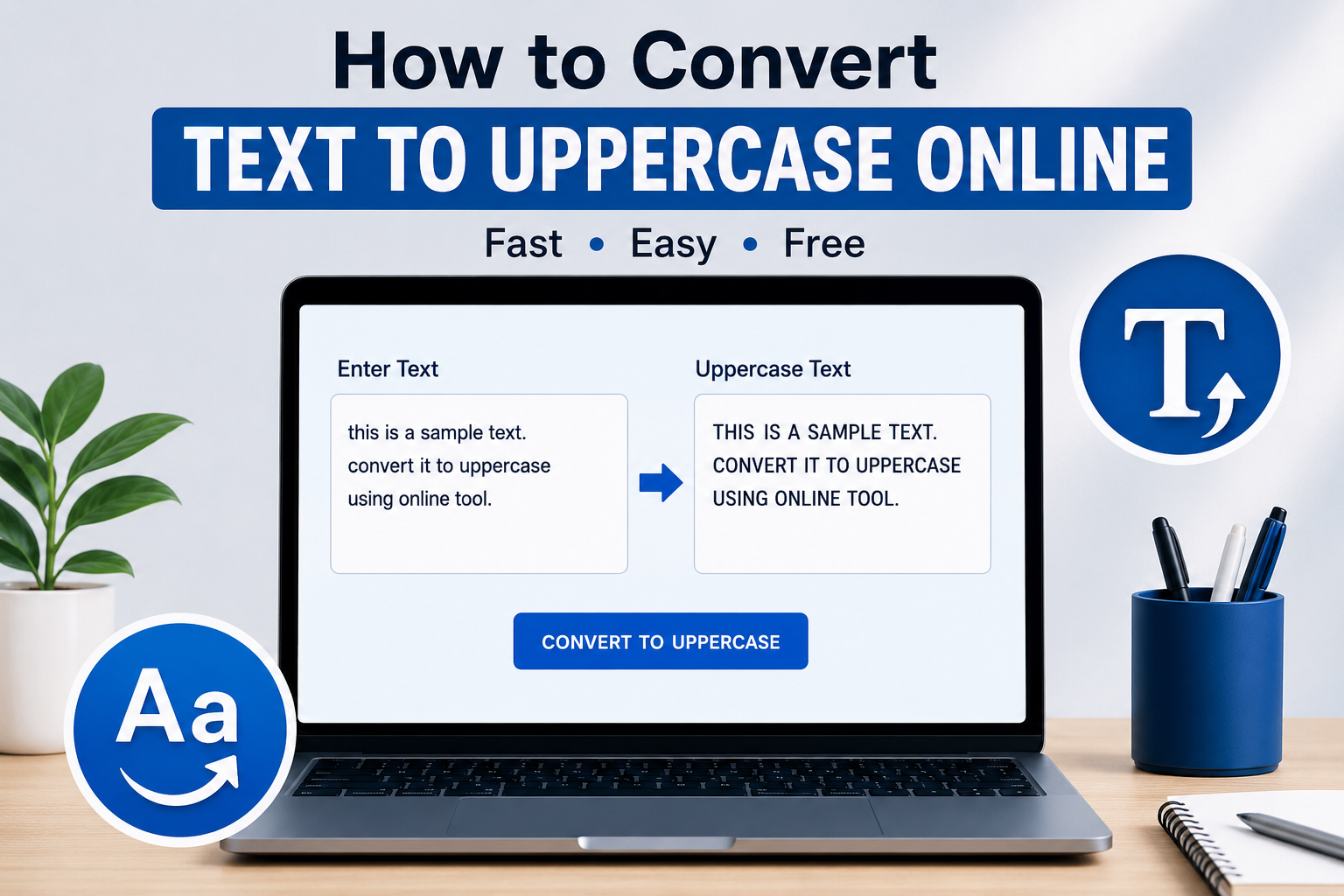
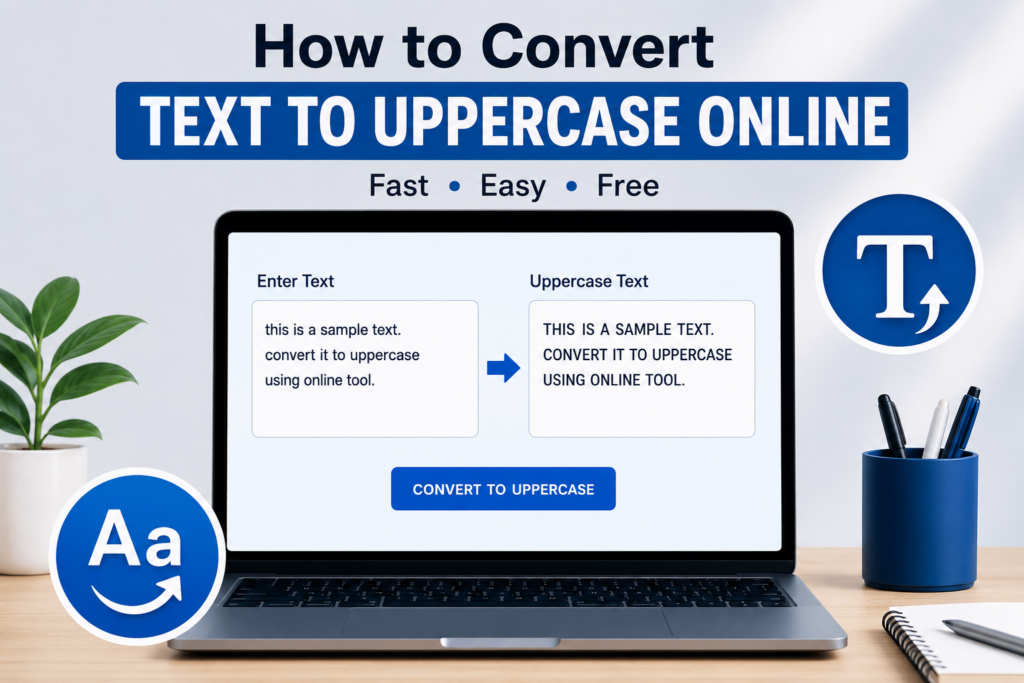
Uppercase text means that all alphabetic letters are written as capital letters. For example, the sentence “this is my text” becomes “THIS IS MY TEXT” when it is converted to uppercase.
Uppercase letters are commonly used for headings, labels, important announcements, signs, buttons, documents, and other situations where text needs to stand out.
Sometimes I receive text that has inconsistent capitalization. One part may be lowercase, another may be uppercase, and another may contain a mixture of both. Instead of correcting every word manually, I find it much faster to use an online uppercase converter.
Why Convert Text to Uppercase Online?
There are several reasons why someone may want to convert text to uppercase. The biggest reason for me is convenience.
If I have only a few words, changing them manually is easy. However, if I have several paragraphs, manually editing every letter can take unnecessary time. An online tool handles the entire text almost instantly.
Another benefit is accuracy. When I change text manually, I can easily miss a word or letter. A text converter processes the entire input consistently, which helps reduce mistakes.
Online converters are also useful because they usually work directly in a web browser. I do not have to download a program or install an application just to change text capitalization.
How to Convert Text to Uppercase Online
The process is generally very simple. Most online uppercase text converters follow almost the same steps.
Step 1: Find an Online Text Converter
First, I open an online text case converter that provides an uppercase option. There are many tools available, so I prefer one that has a simple interface and does not make the process complicated.
A good tool should allow me to paste my text easily and convert it without unnecessary steps.
Step 2: Copy Your Text
Next, I select the text that I want to convert. It can be a sentence, paragraph, title, list, or even a large amount of content.
I copy the selected text using the normal copy option on my computer or phone.
Step 3: Paste the Text
After opening the converter, I paste my text into the input box. At this stage, the text may still appear exactly as it was originally written.
I do not need to worry about capitalization because the converter will handle that for me.
Step 4: Select Uppercase
Now I look for an option called “UPPERCASE” or “Upper Case.” After selecting it, the tool changes the alphabetic characters into capital letters.
For example:
“learning new skills can improve your future”
becomes:
“LEARNING NEW SKILLS CAN IMPROVE YOUR FUTURE”
The conversion usually happens immediately.
Step 5: Copy the Converted Text
Once the text has been converted, I check the result quickly. If everything looks correct, I copy the uppercase version and paste it wherever I need it.
This can save a surprising amount of time when working with large amounts of text.
Converting Uppercase Text on a Phone
I also find online uppercase converters useful on mobile devices. Sometimes I am writing from my phone and need to change a long piece of text into capital letters.
Instead of holding the shift key for every letter, I can open a browser, use an online converter, paste the text, and convert it.
The process is almost identical on a smartphone. I copy the text, paste it into the tool, select uppercase, and copy the result.
For longer text, this method is much more practical than manually editing each sentence.
Common Uses of Uppercase Text
Uppercase text can be useful in many situations. I often see it used in titles, headings, labels, notices, and important messages.
For example, someone creating a poster might want a heading such as “IMPORTANT INFORMATION” to be clearly visible.
Students may also use uppercase text when preparing notes or organizing study material. Teachers and professionals can use it for labels and short instructions.
Website owners may sometimes use uppercase text for buttons or small headings, although I believe it is better to use it carefully. A page containing too much uppercase text can become difficult to read.
Uppercase Conversion for Students
Students can benefit from text case converters when preparing assignments, notes, presentations, and study material.
Suppose I have copied a list of important topics and they are written in different capitalization styles. Instead of changing each item individually, I can convert the entire list to uppercase.
This is particularly helpful when preparing headings or creating a consistent format for notes.
However, I would not recommend converting an entire essay into uppercase because normal sentence capitalization is usually easier to read.
Uppercase Conversion for Bloggers
Bloggers and content creators may also need text case conversion. When preparing articles, headings, image text, social media content, or promotional material, capitalization can sometimes need to be changed.
I personally think online converters are useful when I need to make formatting changes quickly without opening a full word processing program.
For example, if I create a heading in lowercase and later decide that uppercase looks better for a graphic, I can convert it in seconds.
Uppercase Conversion for Office Work
In office environments, employees may need to format names, codes, labels, product information, or other text.
For example, a list containing product codes might need to follow a consistent uppercase format. Converting the complete list at once can make the process faster.
This is especially useful when working with copied information from different sources where capitalization is inconsistent.
Does an Uppercase Converter Change the Meaning?
Generally, changing lowercase letters to uppercase does not change the basic meaning of the text. It changes the appearance and capitalization.
For example, “welcome to our website” and “WELCOME TO OUR WEBSITE” communicate the same basic message.
However, uppercase text can change the visual tone. In some situations, writing everything in capital letters may look more forceful or attention grabbing. Because of this, I think uppercase should be used according to the purpose of the content.
What Makes a Good Online Uppercase Converter?
When I use an online text converter, I prefer a tool that is straightforward. I do not want to spend several minutes understanding how it works.
A useful converter should have a clear text box, an obvious uppercase option, and an easy way to copy the result.
I also prefer tools that work quickly and can handle both short and longer pieces of text.
Another important factor is privacy. If I am working with sensitive information, I avoid putting confidential content into random online tools. For ordinary text, an online converter can be very convenient, but private information should always be handled carefully.
Uppercase vs Other Text Cases
Uppercase is only one type of text case. Many online text converters provide several options.
Lowercase changes all letters to small letters.
Uppercase changes all alphabetic letters to capital letters.
Title Case usually capitalizes the main words in a title.
Sentence case generally capitalizes the first letter of a sentence while keeping the remaining letters lowercase unless grammar requires otherwise.
Having these options in one tool is useful because I can quickly experiment with different formatting styles.
Can I Convert Large Text to Uppercase?
Yes, many online converters can process a large amount of text. The exact amount depends on the tool.
When I need to convert a long document, I usually paste the content into the converter and check the result before copying it back.
For extremely large documents, using a word processor may sometimes be more convenient. Still, for ordinary paragraphs, lists, and articles, an online converter can be more than enough.
Things to Check After Conversion
Even though uppercase conversion is usually automatic, I still recommend checking the result.
I look for missing text, unexpected formatting, or anything that may have changed during copying and pasting. Numbers and punctuation normally remain unchanged because the converter focuses on alphabetic characters.
I also consider whether uppercase is actually appropriate for the content. Just because I can convert everything to uppercase does not mean I should.
For long articles, normal capitalization is usually more comfortable for readers. Uppercase is better suited to selected headings, labels, short messages, and other attention focused content.
Final Thoughts
For me, converting text to uppercase online is a small task that can save a lot of time. When I only have a short sentence, manual capitalization is easy. But when I have a long paragraph, list, or document, an online converter makes the process much faster.
The basic process is simple. I find an online uppercase converter, copy my text, paste it into the input box, select the uppercase option, check the result, and copy the converted text.
I also like the fact that these tools can usually be used from both computers and smartphones. There is no complicated setup involved, which makes them convenient for students, bloggers, office workers, writers, and everyday internet users.
At the same time, I believe uppercase text should be used thoughtfully. Too much capitalized text can make a page harder to read, so I normally use it where I want to create emphasis or maintain a specific formatting style.
Overall, an online uppercase text converter is a simple but useful tool. Whenever I need to change a large amount of text into capital letters quickly, I find this approach much easier than editing every letter manually.