When I write an article, assignment, blog post, email, or any other type of content, one thing I often need to check is the word count. Knowing the exact number of words helps me stay within a required limit and makes my writing easier to manage. In the past, people usually counted words manually, which could take a lot of time and could easily lead to mistakes. Today, counting words in a text online is much faster and easier.
There are many online word counting tools that can calculate the number of words in a few seconds. Most of these tools are simple enough for beginners, and you usually do not need to create an account or install software. You simply copy your text, paste it into the tool, and check the result.
In my opinion, an online word counter is one of the most useful simple tools for students, writers, bloggers, teachers, and website owners. In this article, I will explain how to count words in a text online, why word counting is important, and how to get the most accurate result.
What Is an Online Word Counter?
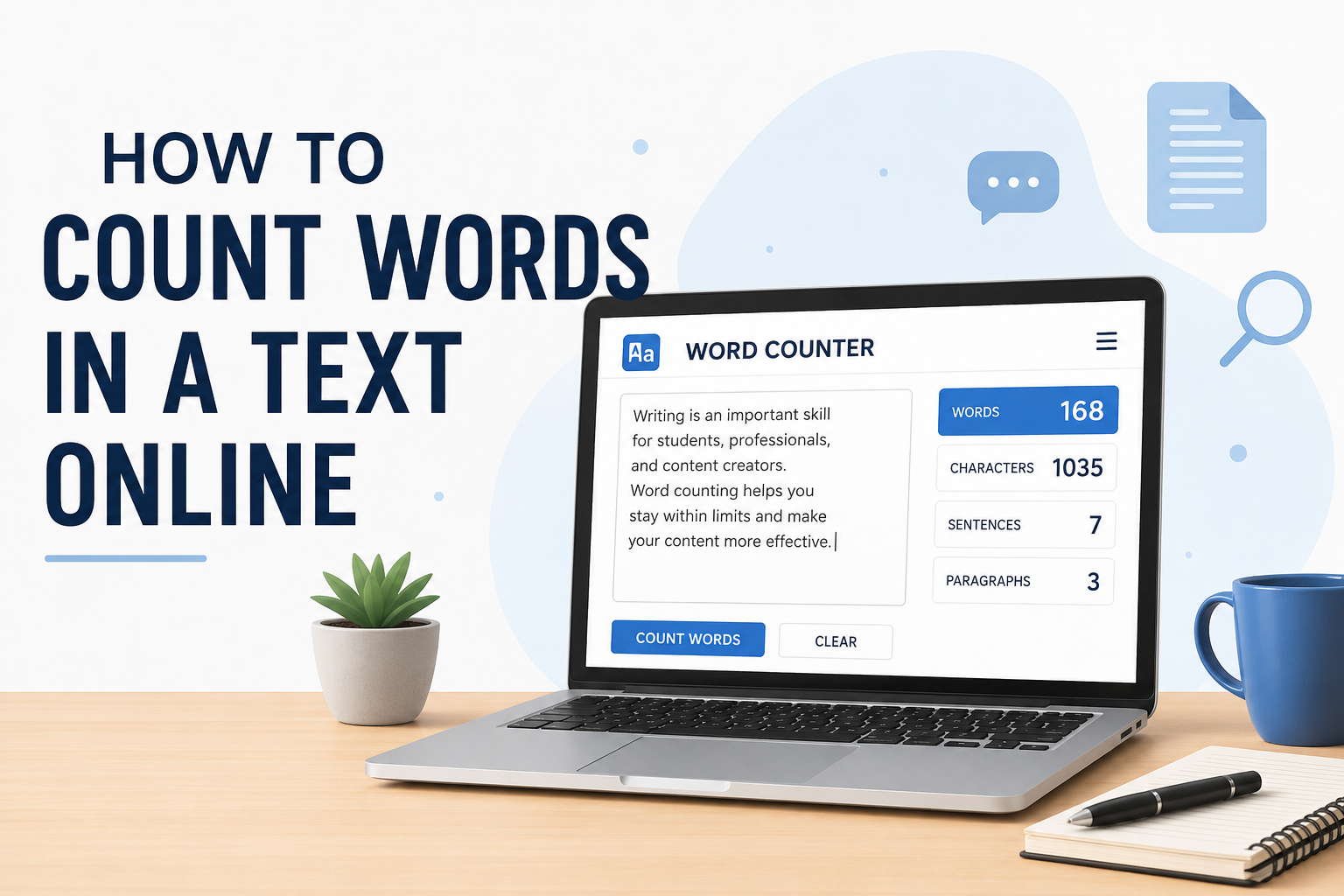
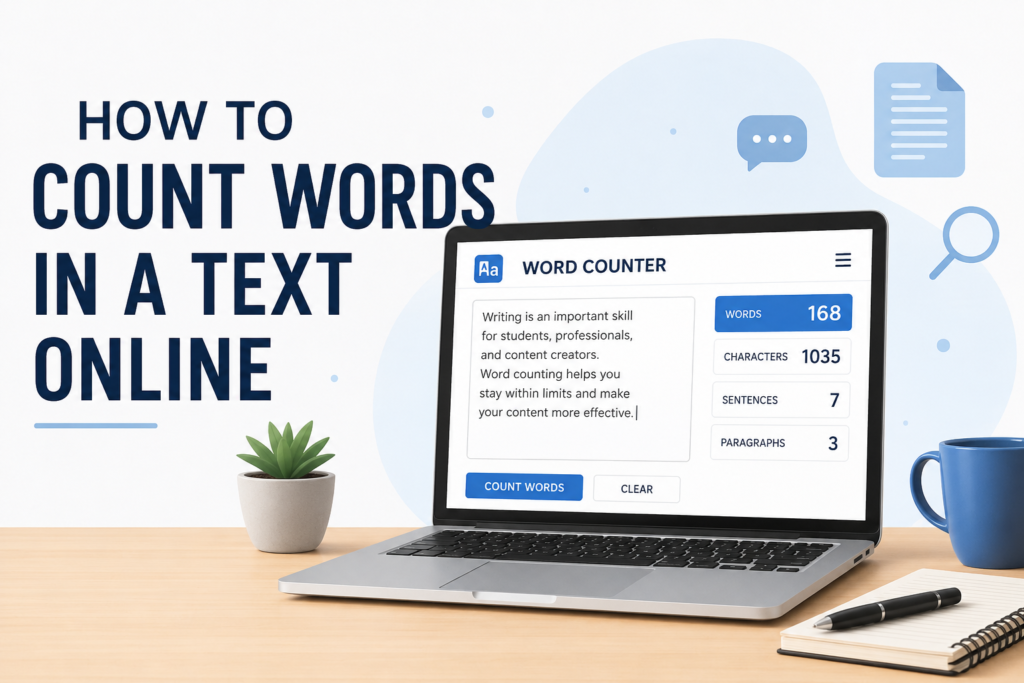
An online word counter is a web based tool that calculates the number of words in a piece of text. Depending on the tool, it may also show the character count, sentence count, paragraph count, and other useful information.
For example, if I write a 500 word article and want to make sure it is close to 500 words, I can paste the article into an online word counter. The tool immediately tells me how many words I have written.
Some tools also provide additional information such as reading time and keyword density. These features can be useful when preparing content for websites, school assignments, or professional documents.
How to Count Words in a Text Online
The easiest method is to use an online word counting website. The process is generally very simple.
First, open your preferred online word counter in a web browser. You can search for an online word counter using a search engine.
Next, copy the text that you want to count. This could be an article, paragraph, essay, assignment, social media post, or any other written content.
Paste the text into the provided text box. Most tools automatically calculate the word count as soon as you paste the content.
Finally, look at the word count displayed on the page. You may also see the number of characters, sentences, and paragraphs.
I personally prefer this method because it is quick and does not require any complicated settings.
How to Count Words in Google Docs
Google Docs also provides a built in word counting feature, so you do not always need a separate online tool.
Open your document in Google Docs and select the Tools option. Then choose Word Count. A small window will appear showing the number of pages, words, characters, and characters excluding spaces.
If you are working on a long article, you can also use the keyboard shortcut to open the word count window. This makes the process even faster.
One useful feature is that Google Docs can display the word count while you are typing. This can help when you have a specific target, such as writing a 1,000 word article.
How to Count Words in Microsoft Word
Microsoft Word is another popular option for checking word count. When you open a document, Word usually displays the word count in the status bar at the bottom of the window.
If you do not see it, you can access the Word Count option from the Review section. The feature can show words, characters, paragraphs, and pages.
I find this particularly helpful when working on formal documents because I can monitor the length of my writing without opening another website.
Why Is Word Counting Important?
Word counting is important for many different reasons. One of the biggest reasons is that many writing tasks have specific word limits.
For example, a teacher may ask students to write a 500 word essay. If the essay is only 250 words, it may not fully answer the assignment. On the other hand, if it is 1,500 words when the requirement is 500, it may be unnecessarily long.
Bloggers and website owners also need to pay attention to content length. While there is no universal perfect word count for every article, knowing the length helps writers organize their content and maintain consistency.
Word counting can also help me identify whether I have explained a topic properly. If an article is much shorter than expected, I can review it and decide whether important information is missing.
Word Count for Students
Students are among the people who can benefit most from online word counters. Many school and college assignments include word limits.
Instead of manually counting every word, students can simply paste their work into a word counter. This saves time and allows them to focus on improving the quality of their writing.
For example, if an assignment requires between 800 and 1,000 words, I would check the word count before submitting it. If my essay contains only 650 words, I know that I need to develop some ideas further.
A word counter can also help students avoid writing unnecessarily long answers when a strict maximum word limit is provided.
Word Count for Bloggers
For bloggers, word count can be useful for planning and editing content. When I prepare an article, I usually have an approximate idea of how detailed I want it to be.
A word counter helps me see whether the article has reached that level. It can also help me compare the length of different posts on my website.
However, I believe writers should not focus only on reaching a particular number. Quality, usefulness, clarity, and originality are more important than simply adding words.
Adding unnecessary sentences just to increase the word count can make an article boring. Every paragraph should provide some value to the reader.
Counting Characters Along With Words
Many online word counters provide character counts as well. This can be useful for social media posts, advertisements, titles, descriptions, and other content where character limits matter.
There is an important difference between words and characters. A word may contain several characters, while spaces and punctuation can also affect the character count depending on how the tool calculates it.
For example, a short sentence may contain ten words but considerably more characters. Therefore, if a platform gives you a character limit, checking only the word count is not enough.
How Accurate Are Online Word Counters?
Most basic online word counters are quite accurate for normal text. However, different tools may sometimes produce slightly different results.
This can happen because tools may treat numbers, symbols, abbreviations, URLs, or special formatting differently.
For normal articles and essays, these differences are usually small. If a document has a very strict word requirement, I recommend checking the count using the platform where you will submit the work.
For example, if an assignment must be submitted through a specific system, its word counting rules may differ slightly from a general online counter.
Tips for Getting an Accurate Word Count
Before checking your word count, I recommend cleaning up your text. Remove unnecessary spaces and unwanted copied material.
If you are copying content from a website or another document, make sure you have copied only the text you actually want to count.
You should also check for duplicate paragraphs. Sometimes copying and pasting can accidentally add the same section twice, which will increase the word count.
For important assignments or professional documents, I would check the final version rather than an earlier draft. This gives you a more reliable result.
Can You Count Words Without an Online Tool?
Yes, but manual counting is not practical for long text. You can count every word individually, but this takes a lot of time and increases the chance of mistakes.
For a short sentence, manual counting is easy. For a 1,000 or 2,000 word article, however, an online tool is much more convenient.
That is why I prefer using digital tools whenever I need an exact count. They can process the entire text almost instantly.
What Should You Look for in a Word Counter?
A good online word counter should be simple, fast, and easy to understand. The main feature should clearly display the total number of words.
I also like tools that show character count, sentence count, and paragraph count because these details can be useful during editing.
Another thing I would consider is privacy. If you are working with confidential information, avoid pasting sensitive personal or business content into an unfamiliar website. For private documents, using Google Docs, Microsoft Word, or another trusted application may be a better choice.
Final Thoughts
Counting words in a text online is one of the easiest ways to manage the length of your writing. Whether you are a student preparing an assignment, a blogger writing an article, or someone creating professional content, knowing the word count can save time and prevent unnecessary mistakes.
The basic process is very simple. Copy your text, paste it into a reliable word counting tool, and check the result. You can also use built in features in Google Docs and Microsoft Word if you prefer working directly inside your document.
From my point of view, the most important thing is not to become obsessed with a specific number. Word count is useful for meeting requirements and organizing content, but good writing should always come first. A well written article with useful information is more valuable than an article filled with unnecessary sentences simply to reach a higher word count.
Once you get used to online word counters, checking the length of your writing becomes a quick part of the editing process. It takes only a few seconds and can make your writing more organized, professional, and suitable for the requirements of your particular project.